Import a readable PDF or use VoiceBrief OCR for many scanned files. Review the teaching script and scene plan before paying, then receive the MP4 and LMS-ready course bundle.
What VoiceBrief does with your PDF VoiceBrief works from extracted text rather than blindly recording each page. It identifies the teaching arc, keeps source receipts for every scene, and creates visuals that explain the material.
Readable PDFs and many scanned PDFs through OCR Lecture notes to video without recording a presenter Source-grounded scenes instead of unsupported filler No promise of pixel-perfect PDF page preservation Inspect a complete source-to-course example Watch the finished two-minute course and inspect its source signals, teaching decisions, knowledge check, and delivery bundle . The example shows the supplied source, the editorial choices behind the lesson, the final narrated 1080p MP4, and the SCORM 1.2 deliverable instead of asking buyers to trust a feature list alone.
Review before paying Import a supported source. Use the existing VoiceBrief importer and check the extracted text.Review the storyboard. Inspect the narration, source evidence, scene sequence, visual direction, voice, and runtime before checkout.Pay once. Choose $49 for up to 10 minutes or $149 for up to 30 minutes.Download the bundle. Receive a 1080p MP4, SCORM 1.2 ZIP, SRT and VTT captions, transcript PDF, and quiz.One-time pricing, no subscription change Video export is sold separately. It does not start, replace, upgrade, downgrade, or cancel an existing VoiceBrief subscription. Existing subscribers keep their current subscription price and entitlements.
Related document-to-video workflows Document to training video — Turn PDF, Word, PowerPoint, URLs, or scripts into a finished 1080p training video and SCORM 1.2 course. Preview the video plan free; pay once after approval.PowerPoint to Video — Turn a PPTX slide deck into a source-specific narrated 1080p training video with captions, transcript, quiz, and SCORM 1.2 LMS export.URL to Video — Paste a public article URL and turn its readable content into a narrated 1080p lesson video, captions, quiz, transcript, and SCORM 1.2 package.AI Training Video Generator — Turn policies, SOPs, manuals, PDFs, Word files, slide decks, and public pages into narrated training videos plus SCORM 1.2. Review free; pay once.AI Course Generator — Turn a PDF, Word file, PowerPoint, EPUB, public URL, or script into a source-grounded video course with narration, quiz, captions, transcript, and SCORM 1.2.PDF to SCORM Converter — Convert a readable or scanned PDF into a narrated video course and SCORM 1.2 ZIP with resume position, completion, quiz score, captions, and transcript.SCORM 1.2 Export — Create a narrated 1080p course video and export a SCORM 1.2 ZIP that reports resume position, completion, and quiz score to compatible LMS platforms.Frequently Asked Questions Can VoiceBrief convert a scanned PDF to video? VoiceBrief can use OCR for many scanned PDFs and images. Results depend on scan clarity, reading order, tables, equations, and handwriting, so review the extracted source and storyboard before paying. Does the video preserve every PDF page exactly? No. VoiceBrief creates a source-specific teaching film from the PDF's readable content. It does not promise a pixel-perfect recording of each page or its original layout. Can I turn lecture notes into a video? Yes. Upload readable lecture notes as a PDF or supported document, review the source-grounded teaching script and scene plan, and approve the notes-to-video storyboard before paying for the final course bundle. What is included with a VoiceBrief video export? Each purchase includes a narrated 1080p MP4, a SCORM 1.2 LMS package, SRT and VTT captions, a transcript PDF, and a quiz bundle. Do I need a VoiceBrief subscription? No. Video export is a standalone one-time purchase. It does not start, replace, upgrade, downgrade, or cancel a VoiceBrief subscription. What source formats can I use? Start with a PDF, DOCX, PPTX, public article URL, image with OCR, or pasted script. Private or paywalled webpages cannot be imported by URL. How much does video export cost? The explainer costs $49 for up to 10 useful minutes. The premium course costs $149 for up to 30 useful minutes. VoiceBrief estimates source-supported runtime before checkout and never pads a short source to fill the package maximum. Can I review the video structure before paying? Yes. VoiceBrief prepares a bounded storyboard you can edit scene by scene before approval. The paid final render starts only after your revised script and visual direction pass the quality gate and payment is confirmed. How long can I redownload the export? Private MP4, SCORM, caption, transcript, and quiz downloads remain available in VoiceBrief for 90 days after completion. Files you download during that window are yours to keep and do not expire. What does the SCORM package report to an LMS? The SCORM 1.2 package stores playback position, lesson status, bounded resume state, and quiz score. It marks the lesson completed after the learner watches at least 95% and submits the quiz, in either order. Does VoiceBrief preserve my original slide design? VoiceBrief builds a source-specific teaching script and visual direction from the approved storyboard. It does not promise a pixel-perfect copy of the original PDF or PowerPoint layout. Will every VoiceBrief course use the same video theme? No. The creative model reads the topic, audience, teaching structure, and source signals before choosing a named art direction, palette, typography, graphic language, motion style, and expressive voice. One coherent system binds the course while scene layouts and visual motifs vary inside it. Home | Pricing | Pdf To Mp3 | Word To Audio | Epub To Audio | Convert Slide Presentations | Webpage To Audio | Pdf To Audiobook | Study Guide Generator | Study Guide | Convert | For | How To | Alternative | Blog | Tools | Tools Pdf To Audio | Tools Text To Speech App Finder | Product Facts | Editorial Policy | Accessibility | Guides Accessible Pdf To Audio | Guides Openstax To Audio | Research Pdf Accessibility Benchmark | Resources Classroom Accessibility Kit | Education | Features Ai Summaries | Features Voice Chat | Privacy | Terms | Integrations Claude


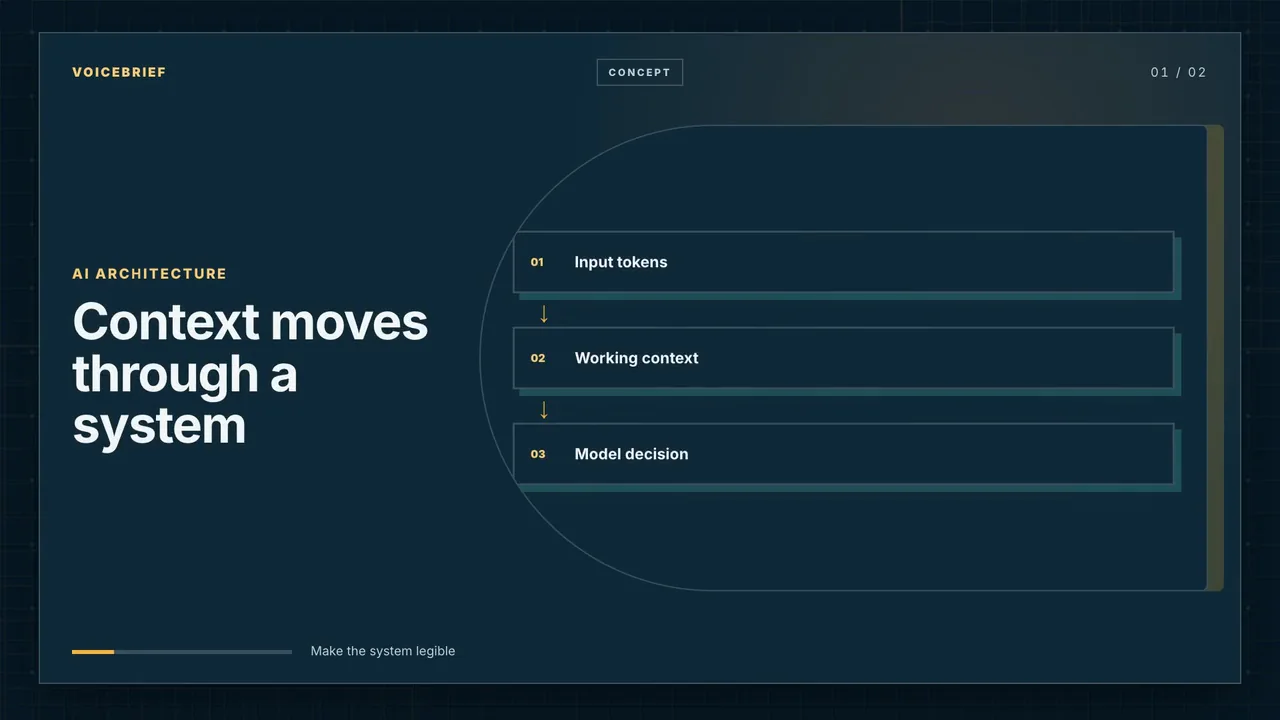 Demo chapter
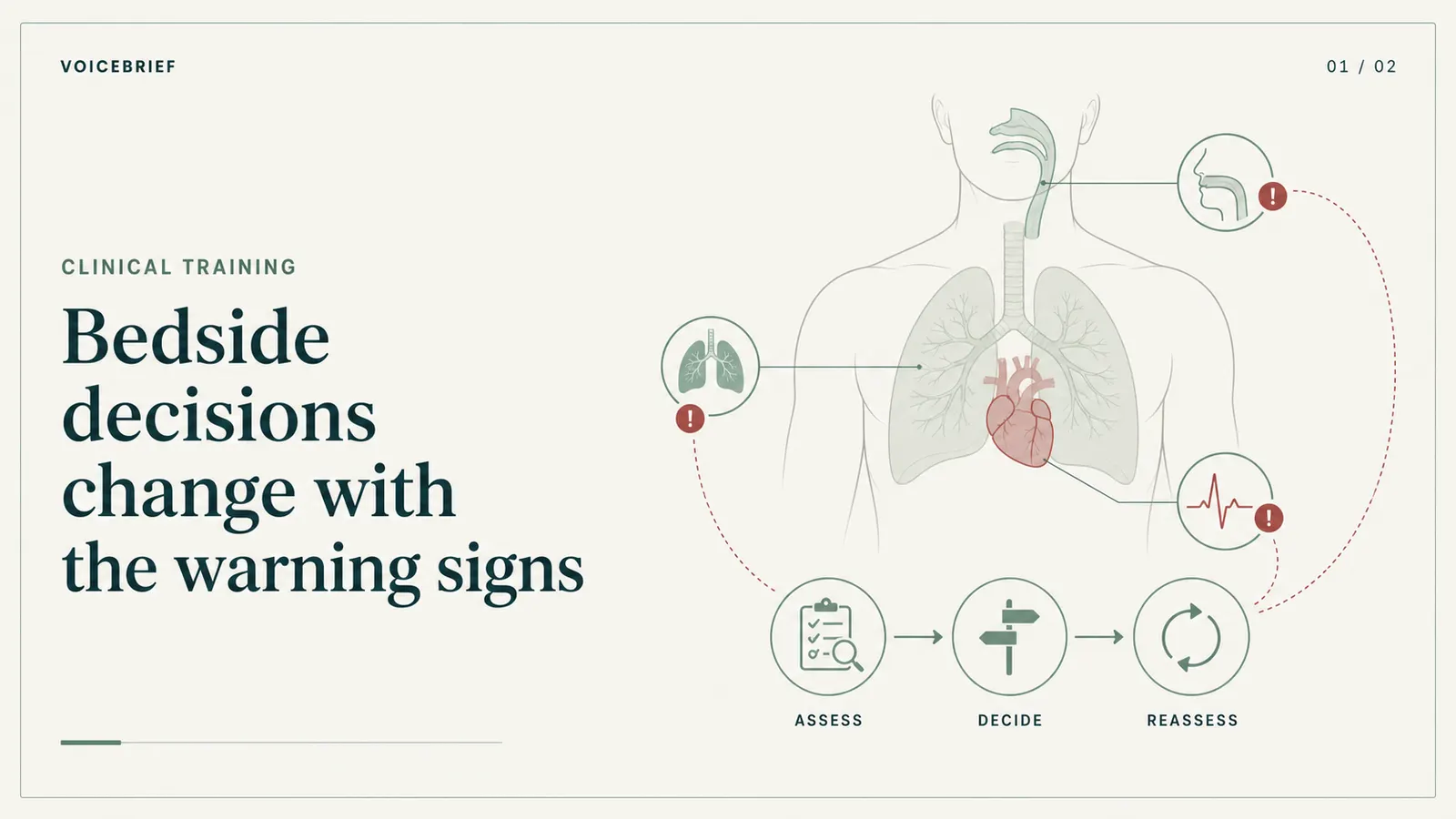 Direction preview
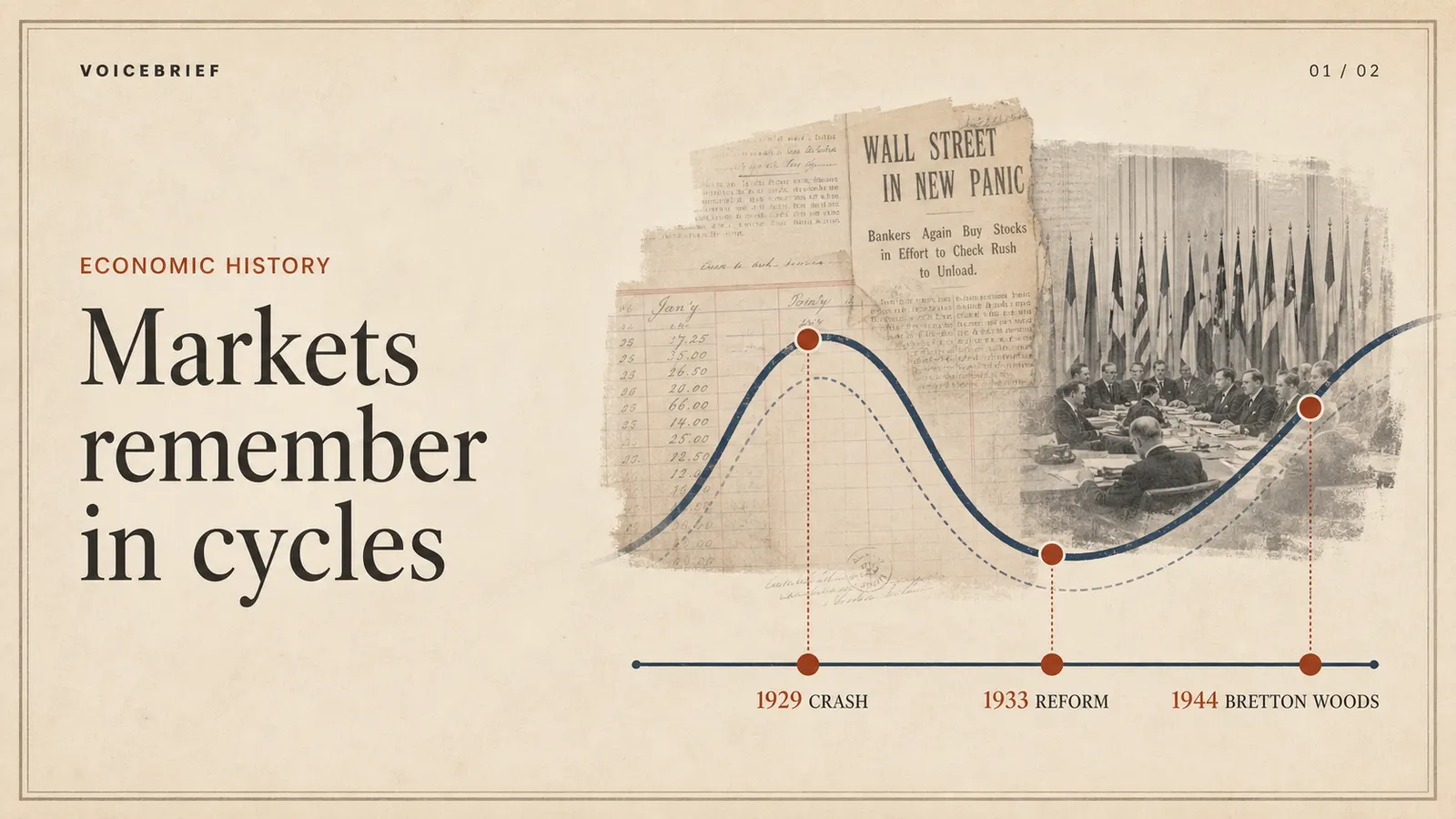 Direction preview